
Versatile trading functions
Supports all order types, market depth, netting and hedging position modes—meeting professional trading needs across forex, stocks, futures, and more.
Choose your device and download MetaTrader 5
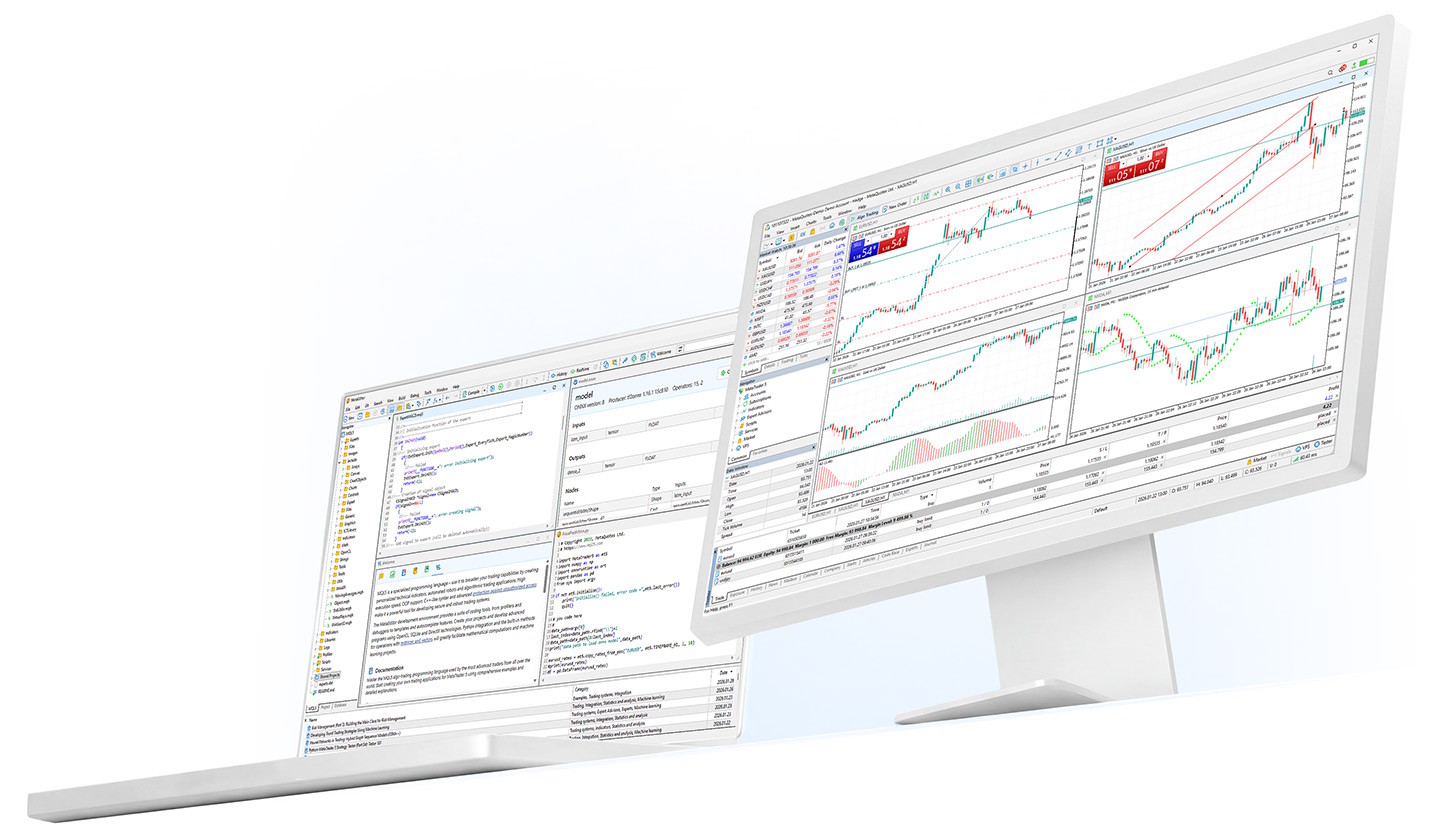
Trading features
MetaTrader 5 delivers advanced trading capabilities, diverse technical analysis tools, copy trading, and EA automated strategies—covering the full workflow from market analysis to strategy execution.
Supports all order types, market depth, netting and hedging position modes—meeting professional trading needs across forex, stocks, futures, and more.
Subscribe to professional trader signals for copy trading, or use MQL5 to build and run Expert Advisors (EAs) with the Strategy Tester for backtesting and optimization.
Buy or rent trading robots, indicators, and scripts in the MetaTrader Market; the MQL5 community provides ongoing Code Base resources and development support.
Core features
21 timeframes, 80+ built-in technical indicators and analysis tools, financial news and economic calendar, plus MQL5 development and the MetaTrader Market.
Multi-platform
MetaTrader 5 is available as a desktop app, web terminal, and mobile app for smartphones and tablets—suited to different trading and analysis scenarios.
Full chart analysis, Strategy Tester, and MetaEditor—ideal for professional traders and EA developers.
No installation—log in through your browser, suited for temporary access and lightweight use.
30 built-in indicators, market depth, 3 charts and 9 timeframes—your trading platform in your pocket.
Trade forex, futures, options, and stocks; available via Google Play or APK install.
Official download
MetaTrader 5 is officially provided free of charge by MetaQuotes Ltd., for Windows, macOS, iOS, Android, and Web. Install from the official site or app store for your device.
After installation, open MetaTrader 5 and log in with your broker server, account number, and password. If your broker provides a custom installer, download from their official channel to ensure version and server compatibility.
PC desktop terminal with full chart analysis, copy trading, and EA automated strategies.
Download for Windows
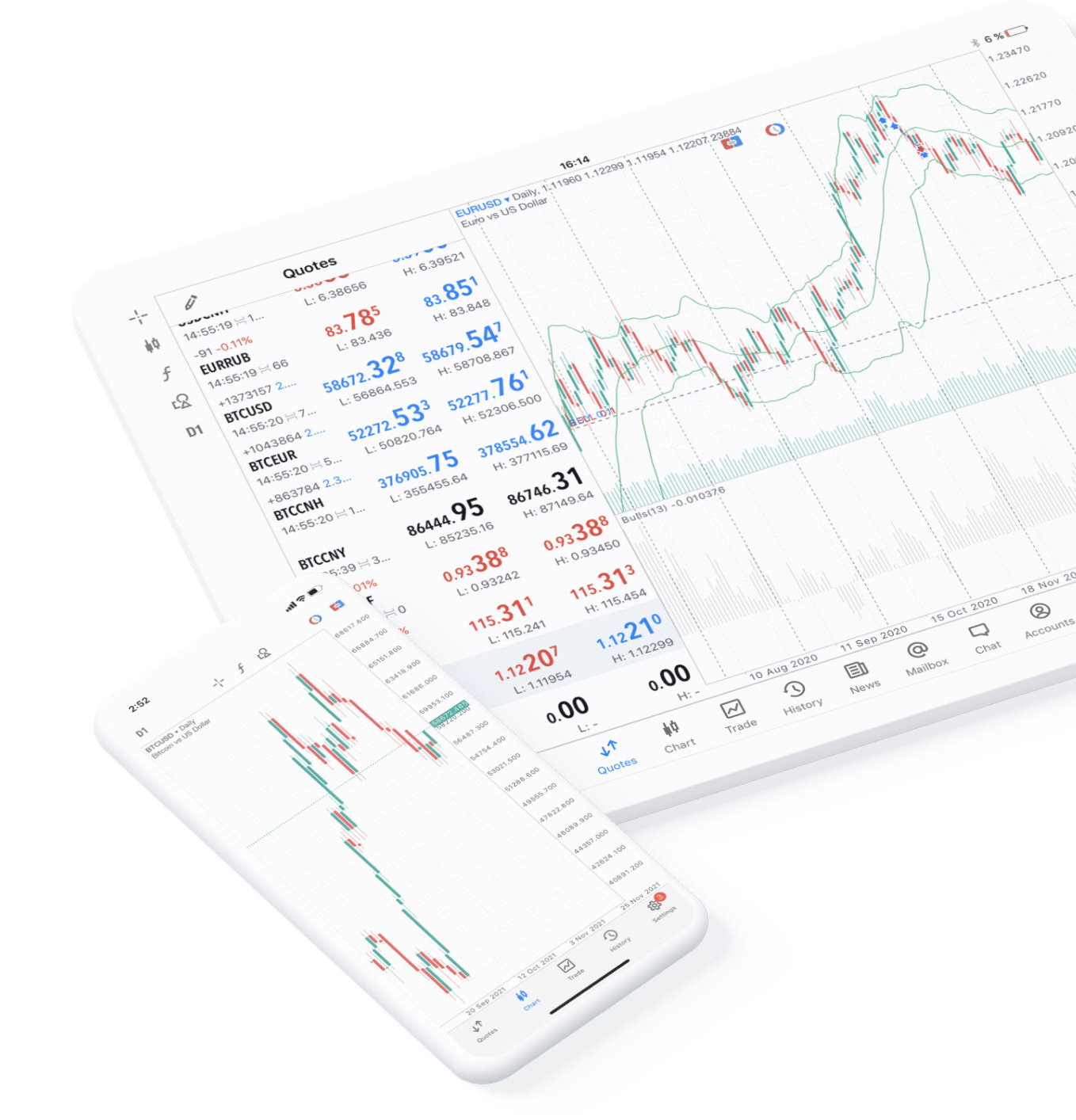
30 built-in indicators, market depth, 3 charts and 9 timeframes—free to use 24 hours a day.
Download on App Store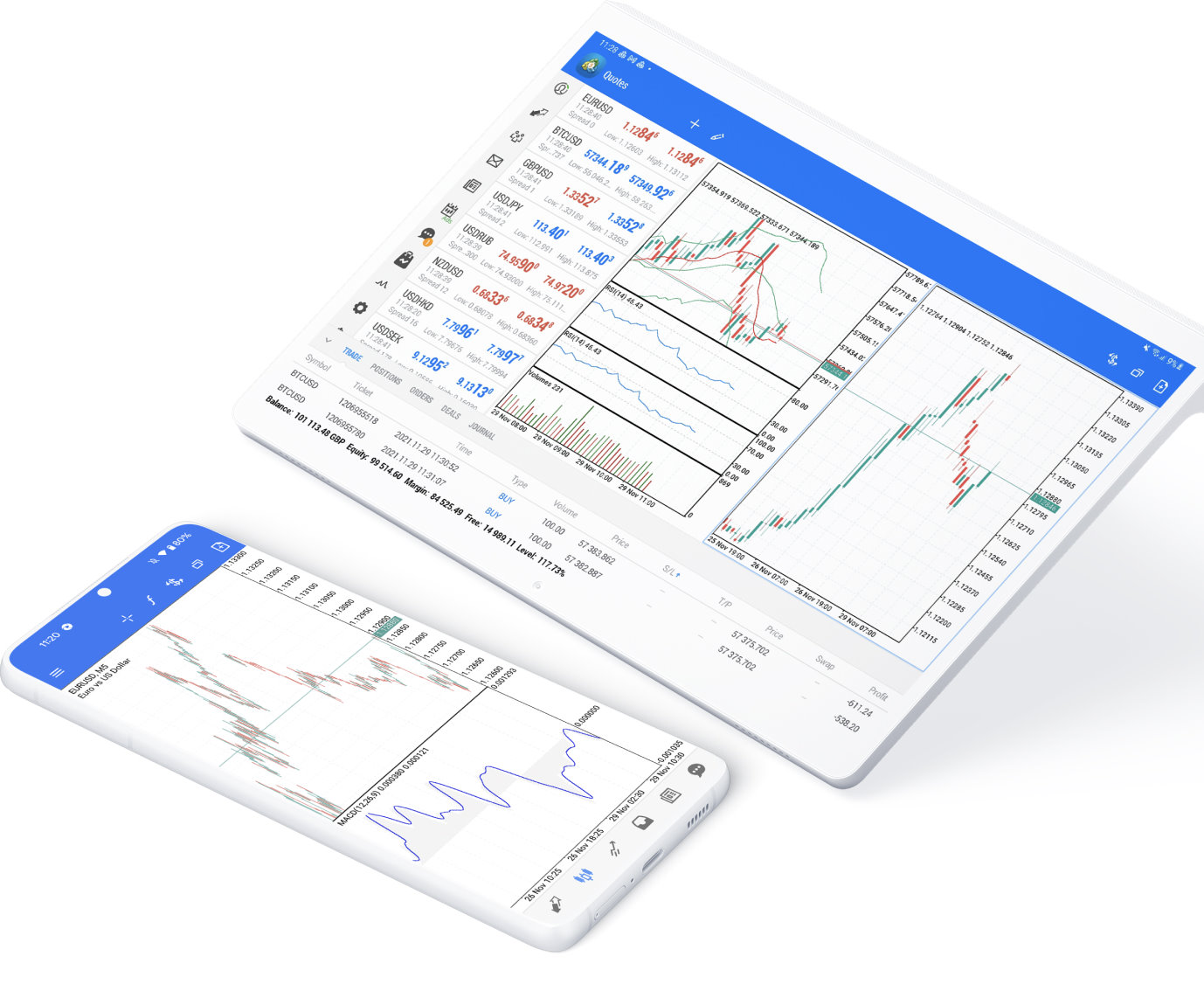
Trade forex, futures, options, and stocks; available via Google Play or APK install.
Download on Google Play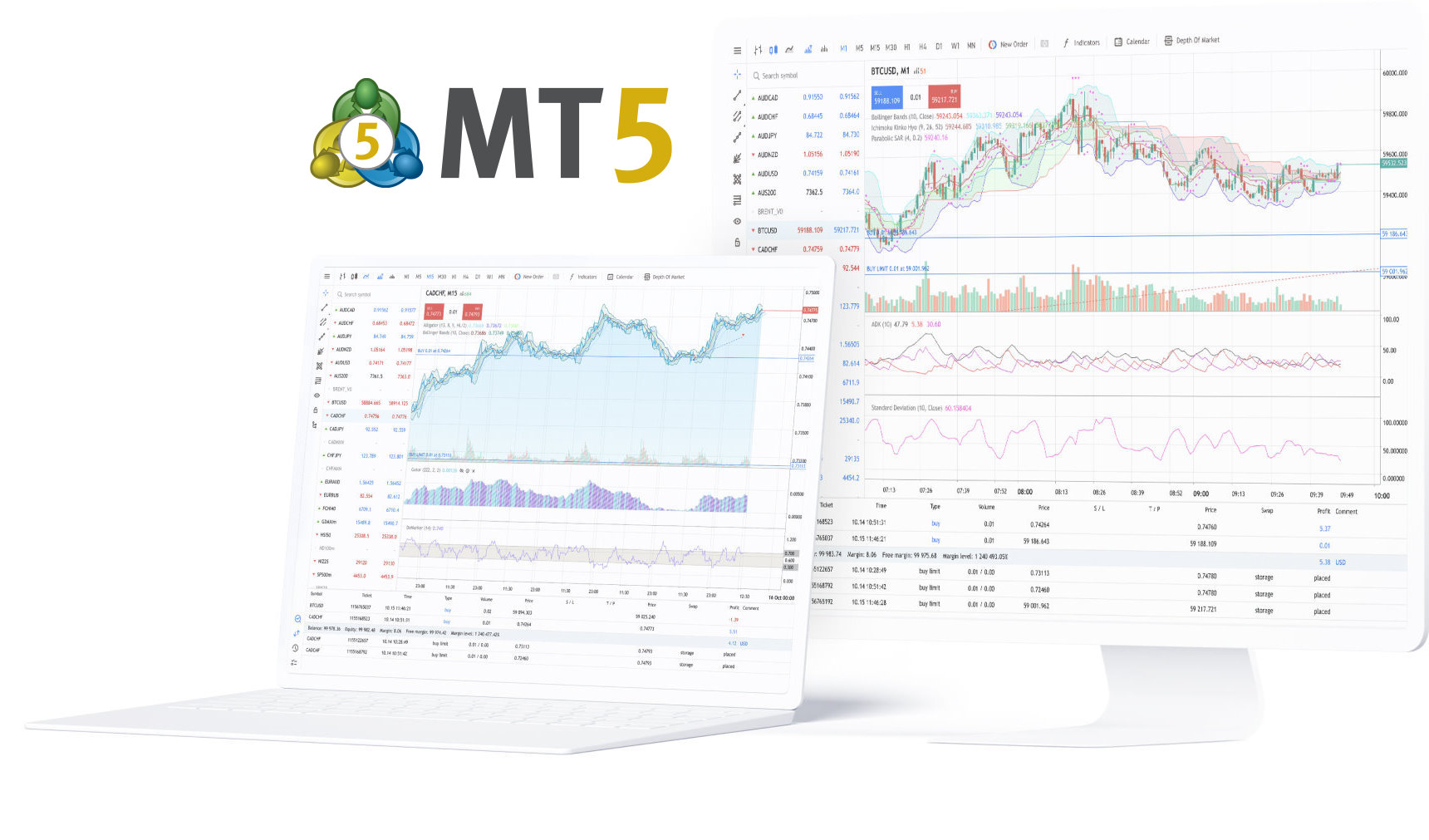
No installation—log in through your browser whenever you have an internet connection.
Open Web terminalDownload from the official MetaTrader 5 website or trusted app stores and confirm the publisher is MetaQuotes Ltd.
Quick start
After installation, start with a demo account to learn the terminal and order workflow before connecting a live account.
Choose Windows, macOS, iOS, Android, or Web and install from official channels. See our MT5 installation guides for step-by-step help.
Enter the server name, trading account, and password from your broker to log in to a demo or live account. Confirm server and account type match on first use.
Once connected and quotes are live, add symbols, set chart timeframes and indicators, and enable price alerts or EA automation as needed.
Beginner guides
These guides help you download, install, and understand the basics of MetaTrader 5.
FAQ
Answers on download, features, and everyday use.
MetaTrader 5 uses a 64-bit multi-threaded architecture and offers major upgrades over MetaTrader 4 in order systems, timeframes (21 types), technical indicators, market depth, and multi-market support. Which version to use depends on your broker's support.
The MetaTrader 5 terminal is typically available for free download and installation. Spreads, commissions, swap fees, and other trading costs are determined by your broker's disclosures.
Verify your account number, password, server name, and network connection. If login still fails, contact your broker's customer support to confirm your account status and server details.
Yes. MetaTrader 5 includes the MQL5 development environment for building and running Expert Advisors (EAs), technical indicators, and scripts, with the Strategy Tester for historical backtesting and parameter optimization.
Yes. MetaTrader 5 offers iPhone, iPad, and Android versions for quote monitoring, order management, and account oversight on mobile devices.
MetaTrader 5 is trading terminal software. To trade on a live or demo account, you typically need to connect to a broker server that supports MetaTrader 5 and log in with the appropriate credentials.
No. MetaTrader 5 is a quote analysis and trade management tool—it does not guarantee returns. Financial markets involve volatility and risk. Make decisions based on your experience, capital, and risk tolerance.
The web version requires no installation and runs in your browser; the desktop version provides the Strategy Tester, MetaEditor, multi-chart layouts, and a more complete MQL5 development environment for in-depth analysis and automated trading.